Compress images
Make JPG, PNG and WebP files smaller for email, websites and messaging apps, right in your browser.
Drop files here
or click to choose from your deviceAccepted: JPG, JPEG, PNG, WEBP, AVIF, GIF, BMP, HEIC, HEIF
Up to 3 files per runUp to 20 MB per file5 runs per dayRemove limits with Pro✓ Works offline
Your files stay on your device
This tool runs entirely in your browser. Nothing is uploaded, nothing is stored, and you can even turn off your internet connection before you start.
Example
Example: three iPhone photos from a lake weekend, made small enough to email
Three HEIC photos from an iPhone, each 4032 × 3024 pixels: a lake with mountains, pine trees and a red cabin. Settings: Target file size No target (use quality), Quality 0.8, Maximum dimension 2048 px, Output format Keep original format.
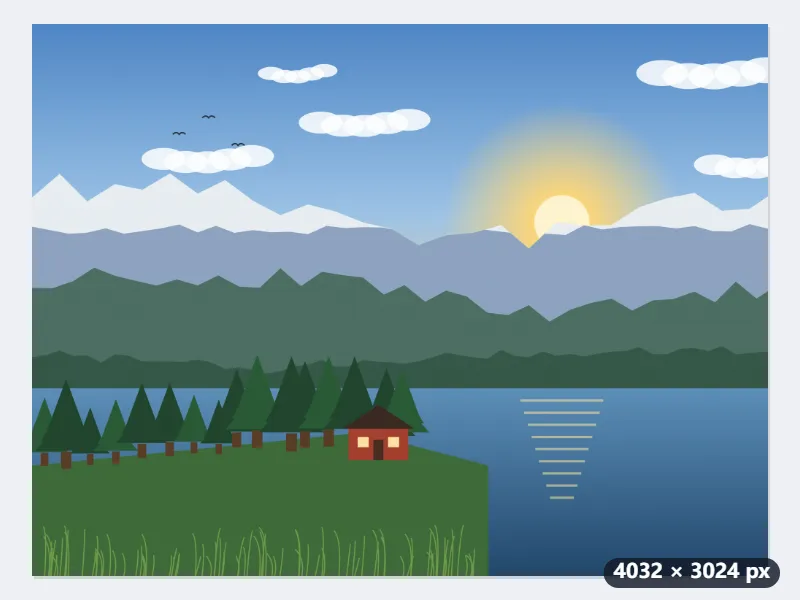
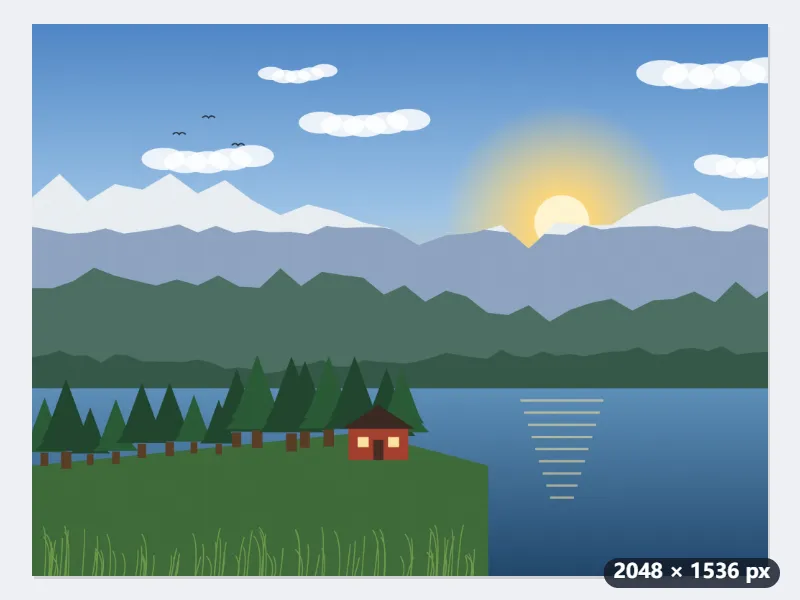
- The HEIC files are read by a small decoder that loads the first time, and saved as JPG, the format a browser can write: IMG_4127.HEIC becomes IMG_4127.jpg.
- The longest side goes from 4032 to 2048 pixels, so each photo is 2048 × 1536, about a quarter of the pixels it had.
- Each is encoded at quality 0.8, and its new size and the saving are shown beside it; three files fit one free run.
| Setting | What it does to IMG_4127.HEIC |
|---|---|
| Keep original format | Saved as IMG_4127.jpg, since a browser cannot write HEIC |
| Maximum dimension 2048 px | 4032 × 3024 becomes 2048 × 1536 |
| Quality 0.8 | Re-encoded as JPG at 0.8 |
| Under 500 KB, chosen instead of a quality | Quality, then size if needed, lowered until the file is under 500,000 bytes |
IMG_4127.jpg, IMG_4128.jpg and IMG_4129.jpg at 2048 × 1536, sharp on any screen and far lighter than the originals. Download them one by one or as a ZIP and attach them to the email.
How it works
- Drop JPG, PNG, WebP, GIF or BMP images onto the box, or pick them from your device. Several files can be compressed in one run.
- Set the quality slider. 0.8 is a good default for photos; go lower for thumbnails, higher for print.
- Optionally cap the longest side. Photos from a phone camera are often 4000 px wide, and 2048 px is plenty for the web.
- Press Compress images and download the results one by one or as a ZIP. The saving is shown next to each file.
Frequently asked questions
- Are my images uploaded to a server?
- No. Encoding happens in a Web Worker inside your browser. The files never leave your device, and the tool keeps working with the network off.
- How much smaller will my files get?
- Photos typically shrink by 60-80% at quality 0.8 with no visible difference. Screenshots and graphics with flat colours compress best as PNG or WebP; choose WebP for the smallest output.
- Does the quality slider affect PNG files?
- PNG is lossless, so the slider is ignored when the output format stays PNG. To make a PNG much smaller, switch the output format to WebP or JPG, or reduce the maximum dimension.
- Is transparency preserved?
- Yes when the output is PNG or WebP. JPG does not support transparency, so transparent areas are filled with white if you convert to JPG.
- Can I use a photo straight from my iPhone (HEIC)?
- Yes. Browsers cannot read HEIC on their own, so a small WebAssembly decoder loads the first time you bring one; after that it works offline like everything else here, and the photo still never leaves your device. The result is saved as JPG, because HEIC is not a format a browser can write.
- How do I get a photo under a set size, like 500 KB?
- Pick it under Target file size, from 10 KB to 2 MB. The quality slider then steps aside: quality and, if needed, the pixel size are lowered until the file is under the limit, counted in thousands (500 KB is 500,000 bytes). A PNG kept as PNG is saved as JPG for this, unless you choose PNG as the output format yourself.
- What are the free limits?
- The free plan allows 3 files per run, 20 MB per file and 5 runs per day. Pro removes these limits.