Compress a photo to under 1 MB
Full-resolution photos under 1 MB in most cases, with the quality chosen automatically on your device.
Drop files here
or click to choose from your deviceAccepted: JPG, JPEG, PNG, WEBP, AVIF, GIF, BMP, HEIC, HEIF
Up to 3 files per runUp to 20 MB per file5 runs per dayRemove limits with Pro✓ Works offline
Your files stay on your device
This tool runs entirely in your browser. Nothing is uploaded, nothing is stored, and you can even turn off your internet connection before you start.
Example
Example: three photos of a dented car door for an online insurance claim limited to 1 MB
An insurer’s online claim form takes photos up to 1 MB each. The three photos of the dent in the driver’s door, taken on a phone, are 4032 × 3024 pixels and about 3.4 MB each. Settings: Original size and Keep original format, so they stay JPG.
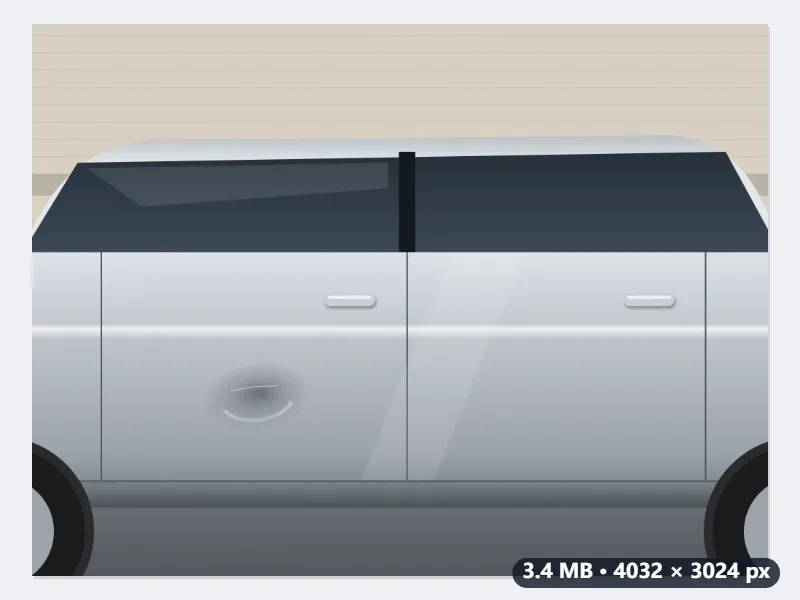
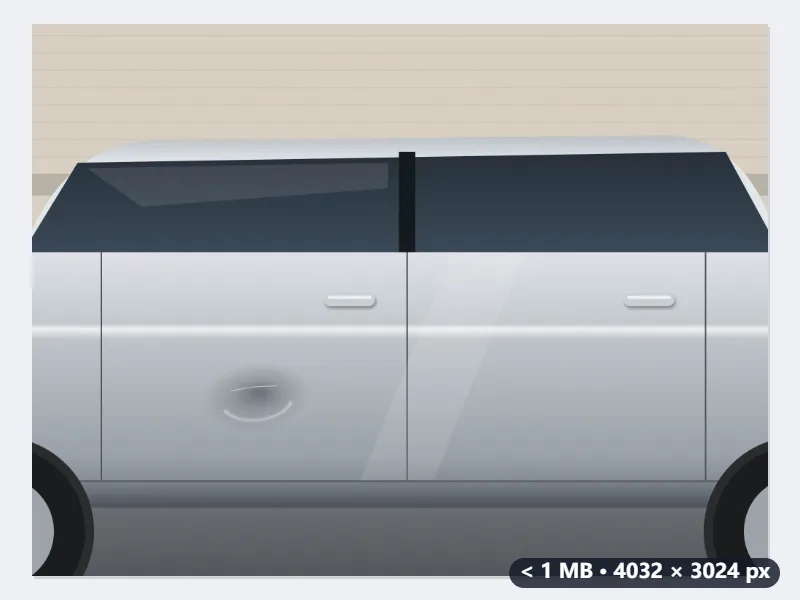
- Drop all three at once: the free plan takes 3 images a run.
- The target is 1,000,000 bytes, so the files pass whether the form counts 1 MB as 1,000,000 or 1,048,576 bytes.
- Each photo is tried at quality 0.92, then at 0.4. If 0.4 fits, six halving steps find the highest quality that fits, and every pixel stays.
- If even 0.4 is too big, the sides are multiplied by √(1,000,000 ÷ bytes at 0.4) × 0.95 and the search runs again at the new size.
| If the photo at quality 0.4 is | What happens | Saved at |
|---|---|---|
| 700,000 bytes | fits: the highest quality under 1 MB is found | 4032 × 3024, unchanged |
| 1,300,000 bytes | too big: sides × 0.833 | 3359 × 2520 |
| 1,650,000 bytes | too big: sides × 0.740 | 2982 × 2236 |
| Maximum dimension 2048 px | scaled first, then the quality search | 2048 × 1536 |
Three JPGs under 1,000,000 bytes that the claim form accepts, usually at full resolution, and the dent stays sharp enough to see. The size shows next to each file before you download it, so you can check before uploading.
How it works
- Drop the photos that are too big. Several can be done in one run.
- Keep Original size to preserve the full resolution where possible.
- Press Compress to 1 MB. Most photos reach the target through quality alone, without losing any pixels.
- Download them one by one or as a ZIP.
Frequently asked questions
- Will the photo keep its resolution?
- Usually. The JPEG quality is lowered first, from 0.92 down to 0.4 at the most; if the photo fits under 1 MB within that range, it keeps every pixel. Only when even quality 0.4 is too big, as with very large or very detailed photos, are the sides scaled down as far as needed.
- What about iPhone HEIC photos?
- Drop them straight in. The first HEIC photo loads a small decoder into the browser; the photo is then read on your device and saved as a JPG under 1 MB, the format almost every form asks for. There is no need to go through HEIC to JPG first.
- How is 1 MB counted?
- The result stays under 1,000,000 bytes, so it passes whether a form counts a megabyte as 1,000,000 or 1,048,576 bytes.
- Is location data removed?
- Only when the picture is re-encoded: that drops EXIF such as the GPS coordinates and the camera model. A JPG that is already under 1 MB is handed back untouched, EXIF and all, so if the location has to go, run it through Remove EXIF data as well.
- Why did my PNG screenshot come back as a JPG?
- With Keep original format, a PNG is saved as JPG, because a PNG can only get under 1 MB by losing pixels while a JPG can lower its quality instead. If you need PNG, choose it under Output format: it is kept, and scaled down until it fits.
- What is Maximum dimension for?
- It shrinks the longer side first, to 4096, 2048, 1600 or 1080 px, and then the quality search runs. Use it when a form also limits the pixel size, or when you want a smaller file: a 4032 × 3024 photo at 2048 px becomes 2048 × 1536.
- Is my photo uploaded?
- No. Compression runs in your browser. The free plan handles 3 images per run, 20 MB each and 5 runs per day.