Compress an image to under 500 KB
500 KB is enough for a full-screen photo that still looks sharp; the settings are found for you.
Drop files here
or click to choose from your deviceAccepted: JPG, JPEG, PNG, WEBP, AVIF, GIF, BMP, HEIC, HEIF
Up to 3 files per runUp to 20 MB per file5 runs per dayRemove limits with Pro✓ Works offline
Your files stay on your device
This tool runs entirely in your browser. Nothing is uploaded, nothing is stored, and you can even turn off your internet connection before you start.
Example
Example: room photos for a flat-share listing, each under 500 KB at 2048 px
Priya is letting a spare room and photographs it with her phone: 4000 × 3000 pixels, about 4.6 MB a photo. The flat-share website takes JPGs of up to 500 KB and shows them at screen size. She drops the living room, the bedroom and the kitchen (three photos, one free run), sets Maximum dimension to 2048 px and leaves Output format on Keep original format.
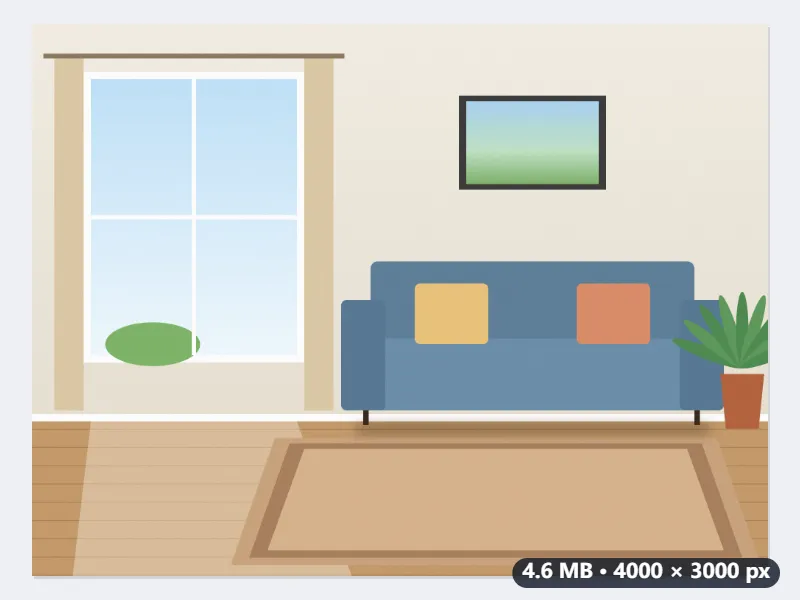
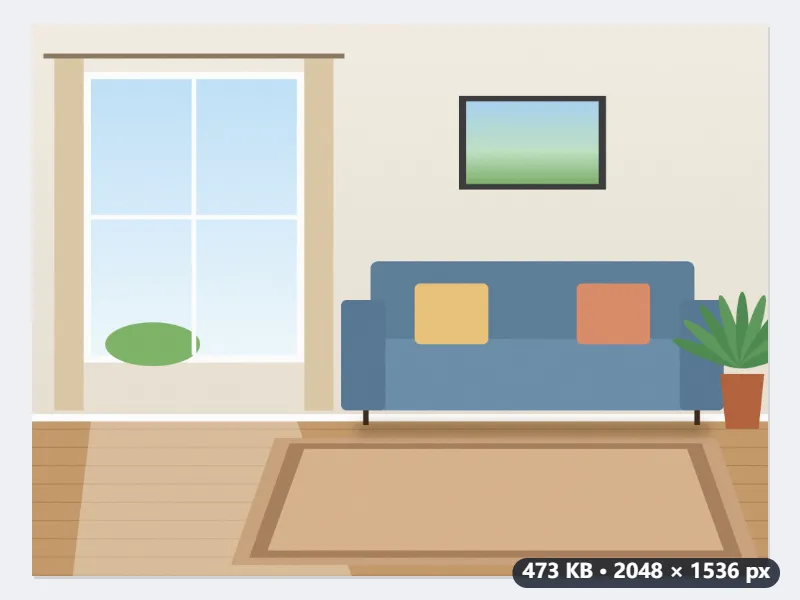
- Each photo is first scaled so its long side is 2048 px: 4000 × 3000 becomes 2048 × 1536.
- Then the quality is searched: 0.92 first; if that is over 500,000 bytes, 0.4; when 0.4 fits, six halvings between the two find the highest quality that stays under the limit.
- Only if even 0.4 is too big do the sides shrink, by √(500,000 ÷ size at 0.4) × 0.95, and the search runs again. At about 3 megapixels a photo rarely needs it.
- The size of each result is shown next to it. The target is 500,000 bytes, so it passes whether the site counts a kilobyte as 1,000 or 1,024 bytes.
| Maximum dimension | A 4000 × 3000 photo is first | Then |
|---|---|---|
| Original size | 4000 × 3000 | kept at full size if 0.4 fits; at 600,000 bytes at 0.4 it becomes 3469 × 2602 |
| 2048 px | 2048 × 1536 | the highest quality under 500,000 bytes |
| 1600 px | 1600 × 1200 | the highest quality under 500,000 bytes |
| 1080 px | 1080 × 810 | the highest quality under 500,000 bytes |
Three JPGs of 2048 × 1536, each under 500,000 bytes. Fewer pixels than the camera took, but more than a listing page shows, and saved at a higher quality than a full-size photo squeezed into the same 500 KB would be.
How it works
- Drop your photos. Phone pictures of 3 to 6 MB are typical.
- Leave Maximum dimension at Original size to keep every pixel if the target allows it, or choose 2048 px for pictures meant for screens.
- Press Compress to 500 KB.
- Download the results and check the size shown next to each file.
Frequently asked questions
- Will a phone photo look worse at 500 KB?
- Hardly, on a screen. The highest JPEG quality that fits is chosen, between 0.92 and 0.4. A 12-megapixel photo is often still over 500 KB at 0.4; then its sides are reduced instead of the quality dropping to a blocky level: a 4000 × 3000 photo of 600,000 bytes at 0.4 comes out at 3469 × 2602, still more pixels than a screen shows.
- Why not use the quality slider on Compress image?
- A slider gives a different file size for every photo, so you would have to try values until each one fits. Here every image gets its own quality: the highest one that stays under 500 KB.
- Does it work for scanned documents?
- Yes. A single colour page scanned at 300 dpi fits under 500 KB comfortably. For documents with several pages in one PDF, use Compress PDF instead.
- How is 500 KB counted?
- The result stays under 500,000 bytes, so it passes whether a form counts a kilobyte as 1,000 or 1,024 bytes.
- My iPhone photos are HEIC. Will the site take the result?
- Yes. With Output format on Keep original format, a HEIC comes out as a JPG under the same name, IMG_0412.HEIC as IMG_0412.jpg, which is what upload forms accept. A PNG screenshot comes out as a JPG too; choose PNG explicitly only if the form asks for PNG.
- What if my photo is already under 500 KB?
- With Maximum dimension on Original size, a JPG that is already under 500,000 bytes is handed back untouched, so it loses nothing. With a maximum dimension set, it is resized and saved again like the others.
- Is my image uploaded?
- No. Compression runs in your browser. The free plan handles 3 images per run, 20 MB each and 5 runs per day.