Compress an image to under 50 KB
50 KB is a hard cap on many official forms. This finds the best quality that still fits, without uploading the picture.
Drop files here
or click to choose from your deviceAccepted: JPG, JPEG, PNG, WEBP, AVIF, GIF, BMP, HEIC, HEIF
Up to 3 files per runUp to 20 MB per file5 runs per dayRemove limits with Pro✓ Works offline
Your files stay on your device
This tool runs entirely in your browser. Nothing is uploaded, nothing is stored, and you can even turn off your internet connection before you start.
Example
Example: a 1200 × 1600 studio ID photo brought under 50 KB for an exam portal
An online exam registration wants the candidate’s photo as a JPG under 50 KB. The photo studio emailed photo.jpg: 1200 × 1600 pixels, about 600 KB, head and shoulders on a light grey background. Maximum dimension: Original size; Output format: Keep original format.
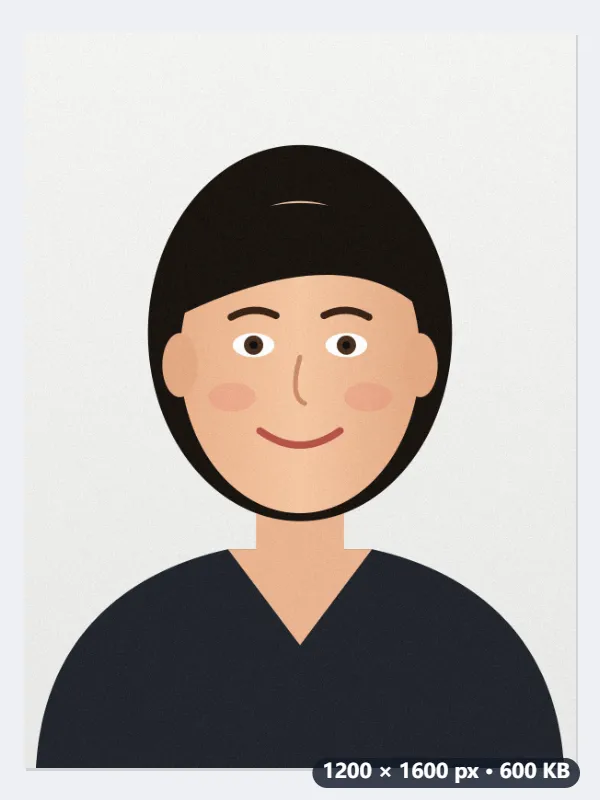
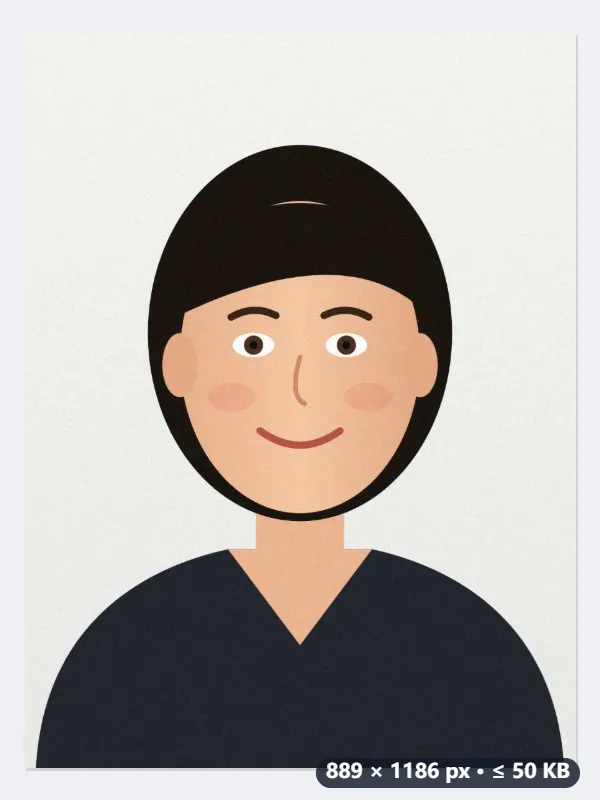
- The target is 50,000 bytes, which passes whether the portal counts a kilobyte as 1,000 or 1,024 bytes.
- At full size the photo is saved at quality 0.92, then at 0.4. Even at 0.4 it is 82,150 bytes, so quality alone cannot get it there.
- So the picture is scaled by √(50,000 ÷ 82,150) × 0.95 = 0.741, to 889 × 1186 pixels, and the search starts again at that size.
- At 889 × 1186 it tries 0.92 and 0.4 again; once 0.4 fits, six halvings between the two find the highest quality that stays under 50,000 bytes.
| At quality 0.4 the full-size photo weighs | First scaled by | 1200 × 1600 becomes |
|---|---|---|
| 60,000 bytes | 0.867 | 1041 × 1388 |
| 82,150 bytes (this photo) | 0.741 | 889 × 1186 |
| 150,000 bytes | 0.548 | 658 × 878 |
| 300,000 bytes | 0.388 | 465 × 621 |
photo.jpg comes back under 50,000 bytes at 889 × 1186 pixels, with its size shown next to the name. If the portal also sets a minimum, such as 600 pixels wide, check the result still meets it; if it sets exact pixels, resize first and compress after.
How it works
- Drop the file the form wants: usually a passport-style photo, a scanned signature or a page of a document.
- If the form also names a maximum width or height, set it under Maximum dimension. Otherwise leave Original size.
- Press Compress to 50 KB. The highest quality that fits is searched for first; only if even a low quality is still too big is the picture scaled down, step by step.
- Download the result and check the size shown next to the file name before you upload it.
Frequently asked questions
- Will a full-size photo still look good at 50 KB?
- Be realistic: 50 KB is very little. A small picture such as a 413 × 531 passport photo or a signature fits comfortably and still looks sharp. A 12-megapixel phone photo cannot stay that large at 50 KB, so it is scaled down until it fits, and it will be visibly smaller and softer. If the form allows 100 or 200 KB, use those pages instead.
- How is 50 KB counted?
- The result stays under 50,000 bytes, so it passes whether the form treats a kilobyte as 1,000 or 1,024 bytes.
- Which forms ask for 50 KB?
- Exam registrations, visa portals and job application systems often cap a photo or a signature at 20, 50 or 100 KB because they store hundreds of thousands of them. The number in the instructions is the one that counts; this page targets 50 KB exactly.
- My file is a PNG screenshot. What happens?
- With Keep original format, a PNG is saved as JPG, because a lossless PNG could only reach 50 KB by throwing away pixels. If the form insists on PNG, choose PNG here and accept that the picture will be scaled down a lot.
- The form also wants exact dimensions. In what order?
- Resize first, then compress. Use Resize image or one of the ID photo size pages to get the pixels right, then bring the result here; compressing does not change the dimensions unless 50 KB forces it.
- My photo is already under 50 KB. Will it be compressed again?
- No. If the file is already 50,000 bytes or less, Maximum dimension is on Original size and the format stays the same, it is handed back untouched, because re-encoding would only cost quality. The one exception is a PNG with Keep original format: it is still saved as JPG.
- Is my image uploaded?
- No. The search for the right quality runs in your browser. The free plan handles 3 images per run, 20 MB each and 5 runs a day.