Compress an image to under 100 KB
For forms with a 100 KB limit: the best quality that fits, found automatically, without uploading the picture.
Drop files here
or click to choose from your deviceAccepted: JPG, JPEG, PNG, WEBP, AVIF, GIF, BMP, HEIC, HEIF
Up to 3 files per runUp to 20 MB per file5 runs per dayRemove limits with Pro✓ Works offline
Your files stay on your device
This tool runs entirely in your browser. Nothing is uploaded, nothing is stored, and you can even turn off your internet connection before you start.
Example
Example: a 4032 × 3024 phone photo brought under 100 KB for an application form
An online exam or job application asks for a photo: JPG, under 100 KB. The photo is a head-and-shoulders phone shot against a pale blue wall, photo.jpg, 4032 × 3024 pixels and 2.7 MB. Maximum dimension: Original size; Output format: Keep original format.
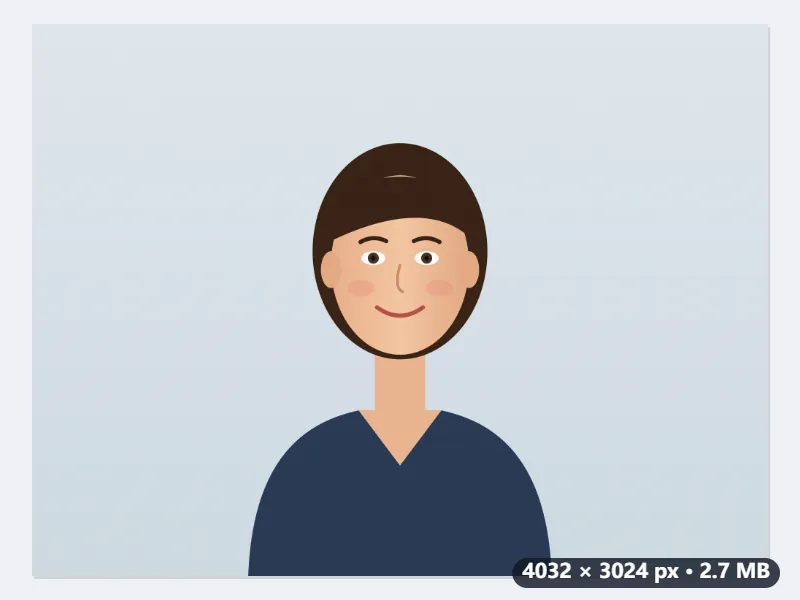
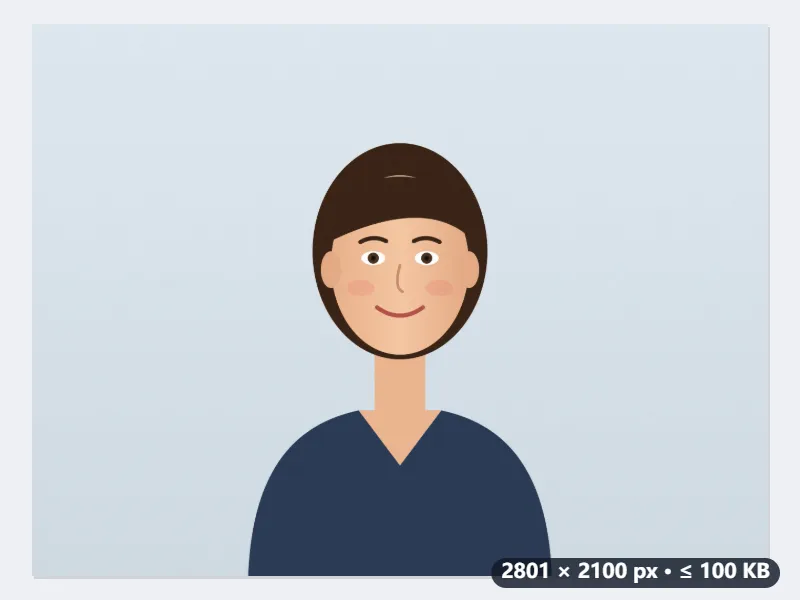
- The target is 100,000 bytes, so the file passes whether the form counts a kilobyte as 1,000 or 1,024 bytes.
- First try: quality 0.92 at full size, far too big. Then quality 0.4: if that fits, six halving steps between 0.4 and 0.92 find the highest quality that still fits.
- Here even quality 0.4 gives 187,060 bytes, so the picture is scaled by √(100,000 ÷ 187,060) × 0.95 = 0.695, to 2801 × 2100 pixels, and the quality search starts again at that size.
- Choose Maximum dimension 1080 px instead and it starts at 1080 × 810: about a fourteenth of the pixels, so more quality fits in the same 100 KB.
| Size at quality 0.4 | Scale | New size |
|---|---|---|
| 105,000 bytes | 0.900 (never more than 0.9 a step) | 3629 × 2722 |
| 120,000 bytes | 0.867 | 3497 × 2622 |
| 187,060 bytes | 0.695 | 2801 × 2100 |
| 250,000 bytes | 0.601 | 2423 × 1817 |
| 400,000 bytes | 0.475 | 1915 × 1436 |
photo.jpg comes back under 100,000 bytes, its new size shown next to the name. A JPG already under 100 KB is handed back untouched while Maximum dimension is Original size; with Keep original format a PNG is always saved as JPG, its transparent parts turned white.
How it works
- Drop the photo, signature scan or ID picture the form asks for.
- Leave the output format as it is for most forms. PNG files are saved as JPG, because only a lossy format reaches a small target without shrinking the picture a lot.
- Press Compress to 100 KB. The tool looks for the highest quality that fits and, only if even a low quality is too big, reduces the pixel size step by step.
- Download the result. Its size is shown next to the file name, so you can see it is under 100 KB before uploading.
Frequently asked questions
- Why do forms ask for images under 100 KB?
- Government portals, exam registrations and job applications store thousands of photos and signatures and cap each one, often at 20, 50, 100 or 200 KB. A phone photo is usually 2 to 5 MB, so it has to be compressed first.
- How much quality is lost?
- As little as possible: the highest JPEG quality that fits is kept, and the pixel size is reduced only after that. For a passport-style photo or a signature, 100 KB is enough to look sharp at the size a form displays it.
- What if the form also requires exact dimensions?
- Resize first with Resize image or Passport photo size, then compress the result here. If the form only gives a maximum width or height, set Maximum dimension on this page instead.
- How is 100 KB counted?
- The result stays under 100,000 bytes, so it passes whether a form counts a kilobyte as 1,000 or 1,024 bytes.
- Why did my photo get smaller in pixels?
- Only because even quality 0.4 was still over 100 KB. The picture is then scaled by the square root of the overshoot, times 0.95 to land under it, and by no more than 0.9 a step: 187,060 bytes at quality 0.4 gives 0.695, so 4032 × 3024 becomes 2801 × 2100. Set Maximum dimension yourself if the form names a size.
- My signature is a PNG with a transparent background. What comes out?
- A JPG on white. With Keep original format, a PNG is always saved as JPG on this page, even one already under 100 KB, and anything transparent is filled with white. Choose PNG as the output format to keep PNG; it can then only get smaller by scaling down.
- Is my image uploaded?
- No. Compression runs in your browser. The free plan handles 3 images per run, 20 MB each and 5 runs per day.