Join a photo and a signature
One image, photo above, signature below.
Drop files here
or click to choose from your deviceAccepted: JPG, JPEG, PNG, WEBP, AVIF, GIF, BMP, HEIC, HEIF
Up to 12 files per runUp to 20 MB per file5 runs per dayRemove limits with Pro✓ Works offline
Your files stay on your device
This tool runs entirely in your browser. Nothing is uploaded, nothing is stored, and you can even turn off your internet connection before you start.
Example
Example: a passport-size photo and a signature joined into one JPG for an exam form
An online exam application asks for one JPG with the candidate’s photo above the signature. The photo is a 35 × 45 mm passport-size photo scanned at 300 dpi, photo.jpg, 413 × 531 pixels; the signature, black pen on white paper cropped close, is sign.jpg, 600 × 200. The page’s settings stay: stacked, same width, gap 0, white, JPG.
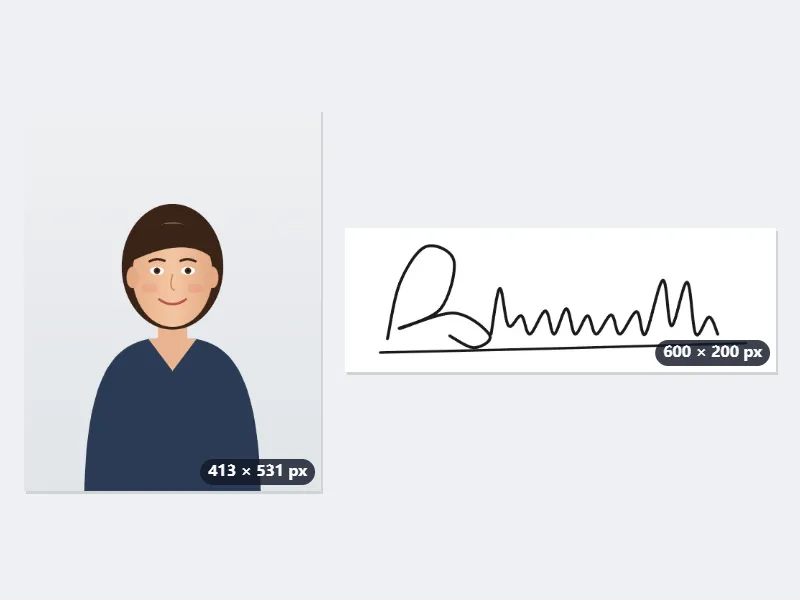
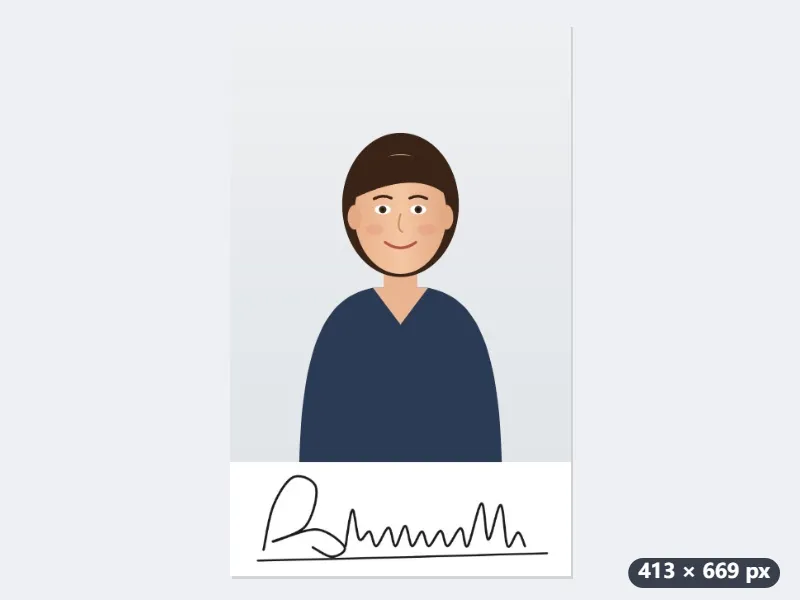
- Drop photo.jpg first and sign.jpg second: the first file in the list goes on top.
- Both are made the width of the narrower one, 413 pixels: the signature shrinks to 413 × 138. Nothing is enlarged.
- They are joined with no gap: 413 × (531 + 138) = 413 × 669 pixels, saved as photo-combined.jpg. With a 10 px gap it is 413 × 679, the gap in white.
- If the form also sets a size in KB, take the result to the 50 KB or 20 KB compression page.
| Picture | Dropped | In the result |
|---|---|---|
| Photo | 413 × 531 px | 413 × 531 px, at the top |
| Signature | 600 × 200 px | 413 × 138 px, directly below |
| Joined image | 413 × 669 px, white, JPG | |
| With a 300 × 100 px signature instead | 300 × 486 px: the photo shrinks to 300 × 386 |
One 413 × 669 pixel JPG, the photo above and the signature below at the same width. Scan or crop the signature at least as wide as the photo, 413 pixels or more: a narrower signature makes the photo shrink to its width.
How it works
- Drop the photo first, then the signature (crop the signature close first).
- They are stacked at the same width on white; add a small gap if you like.
- Press Join, download the JPG, and compress it if the form sets a size in KB.
Frequently asked questions
- Which goes on top?
- The order you drop them: drop the photo first and the signature second. To swap them, use the ↑ ↓ arrows in the file list.
- The form wants it under 20 or 50 KB.
- Take the result to the 20 KB or 50 KB compression page; it keeps the face and the signature as clear as the limit allows.
- Can I clean up the signature?
- Sign on white paper with a dark pen; for a cleaner line, use the transparent signature page first.
- Why did my photo get smaller?
- Stacked at the same width, both pictures take the width of the narrower one, and nothing is enlarged. A 300 × 100 signature under a 413 × 531 photo shrinks the photo to 300 × 386 and the joined image is 300 × 486. Scan or crop the signature at least as wide as the photo.
- Is anything uploaded?
- No. The two pictures are drawn together in your browser.