Sticker cut file
A smooth cut line around your sticker, as an SVG at real size.
Drop files here
or click to choose from your deviceAccepted: JPG, JPEG, PNG, WEBP, AVIF, GIF, BMP, HEIC, HEIF
Up to 12 files per runUp to 20 MB per file5 runs per dayRemove limits with Pro✓ Works offline
Your files stay on your device
This tool runs entirely in your browser. Nothing is uploaded, nothing is stored, and you can even turn off your internet connection before you start.
Example
Example: a 7 cm cactus sticker as an SVG for print then cut
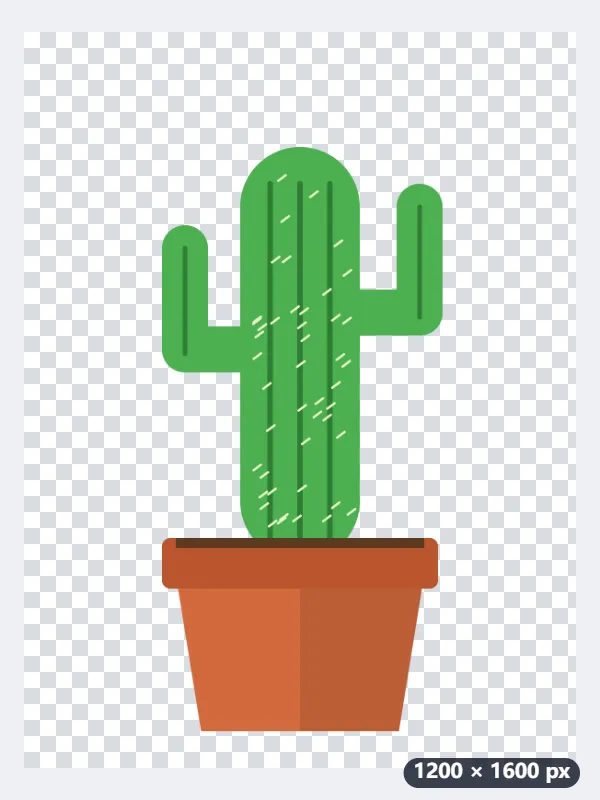
cactus.png, 1200 × 1600 pixels with a transparent background: a green cactus with two arms in a terracotta pot, no text. Settings: Background “Automatic”, Border “Medium”, Border colour “White”, Sticker size “7 cm”, “Include the picture (print then cut)” on, Save as “Cut file (SVG)”.
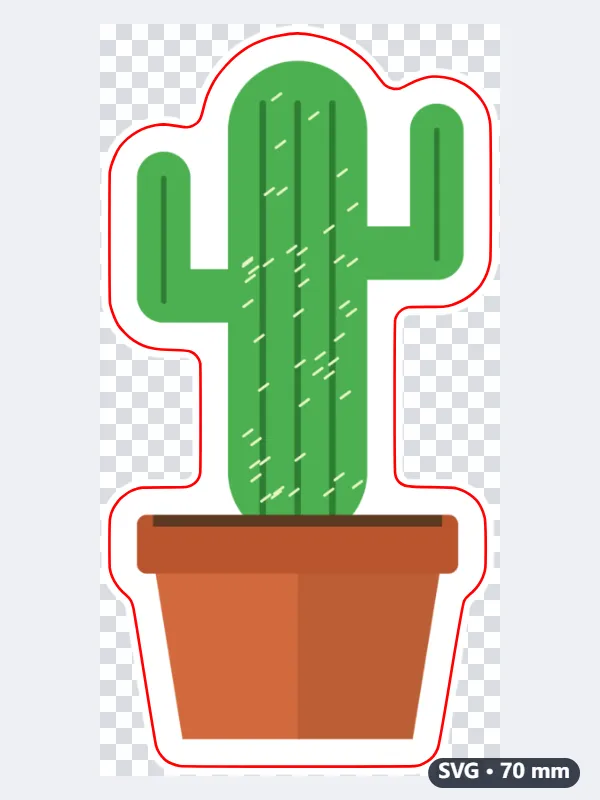
- “Automatic” sees the transparency and keeps it; a medium white border is drawn round the cactus and smoothed into one outline.
- The sticker size is the long side of the cut line: the cutting path is 70 mm tall, about 2¾ in, and its width follows the shape.
- The picture is placed at no more than 300 dpi for that size, on a layer called Print; the path is a red hairline on a layer called Cut.
- Download cactus-cut.svg and import it into the cutting machine’s software as a print then cut image.
| Layer | What it holds |
|---|---|
| The cactus with its white border, as a picture inside the SVG | |
| Cut | One closed path, red (#ff0000), 0.25 mm line, no fill |
| The SVG itself | Sized in millimetres, so it imports at real size |
cactus-cut.svg: print the Print layer, and the machine cuts along the edge of the white border. Untick “Include the picture” to get the path alone, for cutting the shape from vinyl or card.
How it works
- Add a picture — a transparent PNG, a drawing on white or a photo.
- Choose the sticker size and the border, and whether to include the picture for print then cut.
- Press Make cut file and open the SVG in your cutting machine’s software.
Frequently asked questions
- What is in the SVG?
- A closed vector path around the sticker at its real size in millimetres, on its own layer, and the picture on another layer if you keep it.
- Will my cutting machine read it?
- Most cutting-machine software imports SVG; use its print then cut mode with the picture layer, or cut only the path.
- What pictures work?
- A transparent PNG is used as it is; a drawing or logo on white has the white removed; a photo has its subject cut out automatically. Up to 12 pictures at a time.
- What size is the sticker?
- The size you choose, 3, 5, 7 or 10 cm, is the long side of the cut line. The SVG is set in millimetres, so it opens at that size in the cutting software; leave it unscaled there if you want it exact.
- What colour is the cut line?
- A red hairline (#ff0000, 0.25 mm) with no fill, on its own layer called Cut. The picture is on a layer called Print, at up to 300 dpi for the size chosen.
- Are my pictures uploaded?
- No. The background is removed, the border drawn and the files made in your browser; nothing is sent anywhere.